 Kinelux
Beta
Kinelux
Beta
Kinelux
Beta
Kinelux
Beta
A Sony and a drone filmed the same light and did not record the same picture. LumaSync measures what separates them and gives you a correction you can look at, judge, and take into your edit.
Part of Kinelux, alongside RushTag and Synchromatic. The key appears on the confirmation page, and can be emailed back.
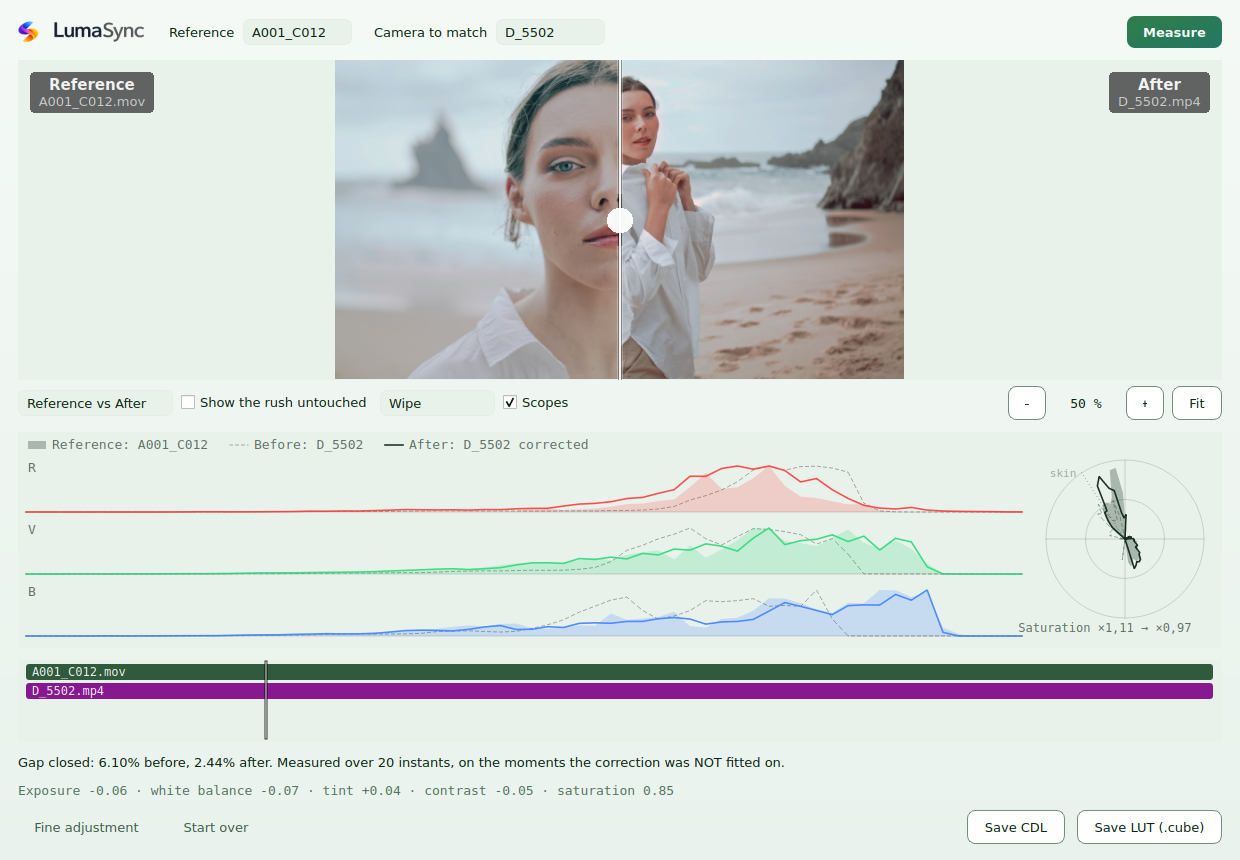
Drop your rushes: LumaSync lines them up on their sound and opens the comparison. Move the playhead and both cameras are read again at that instant.
Two cameras, one instant
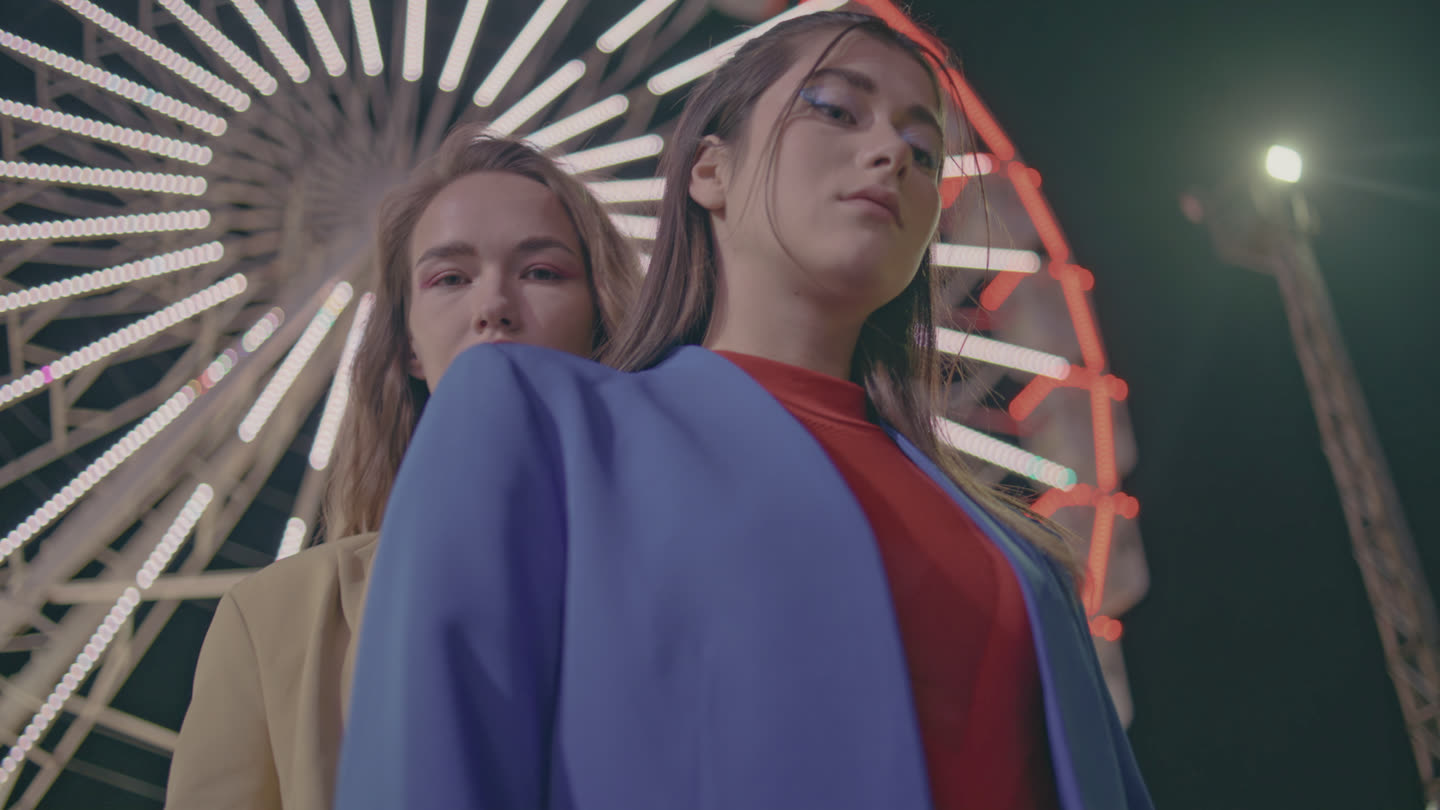
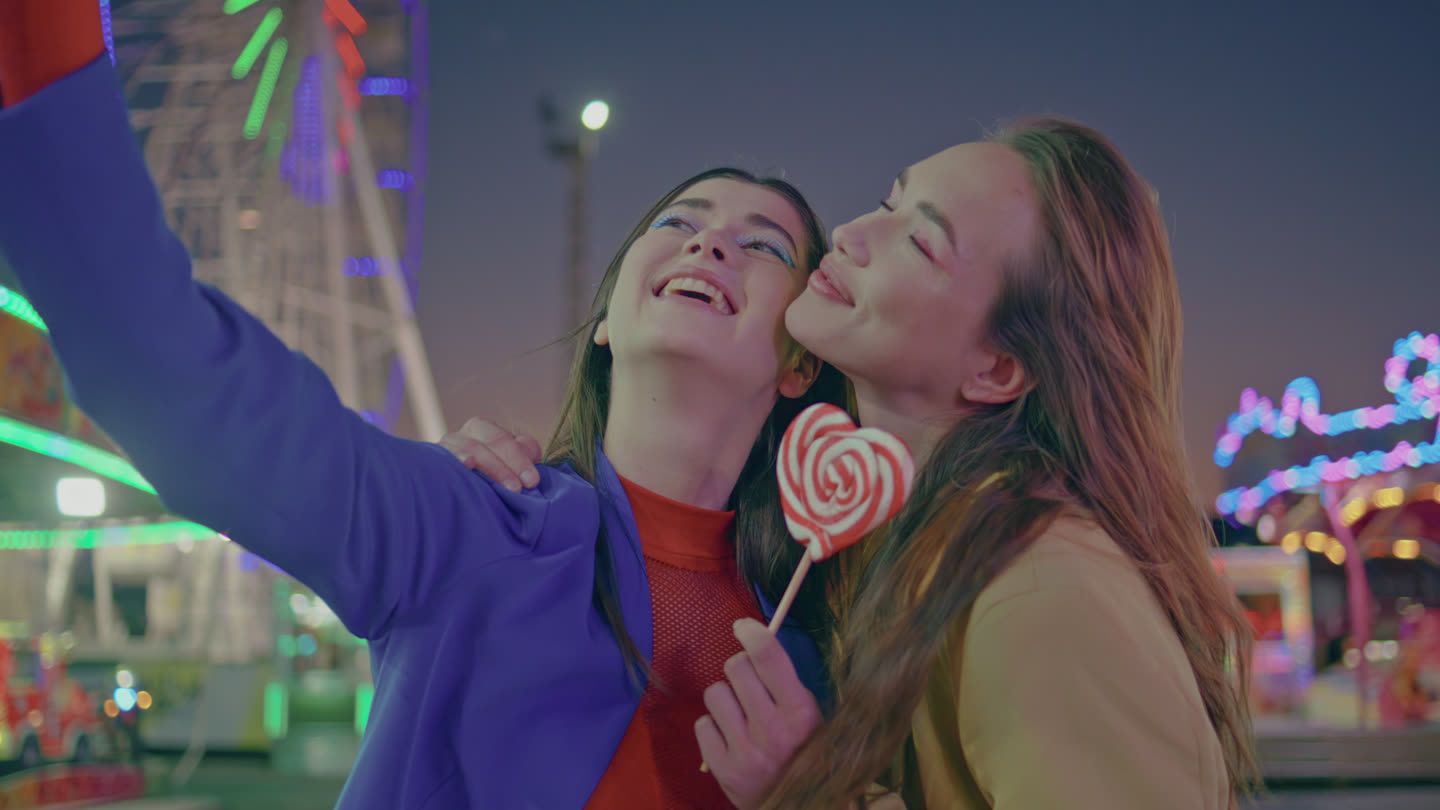
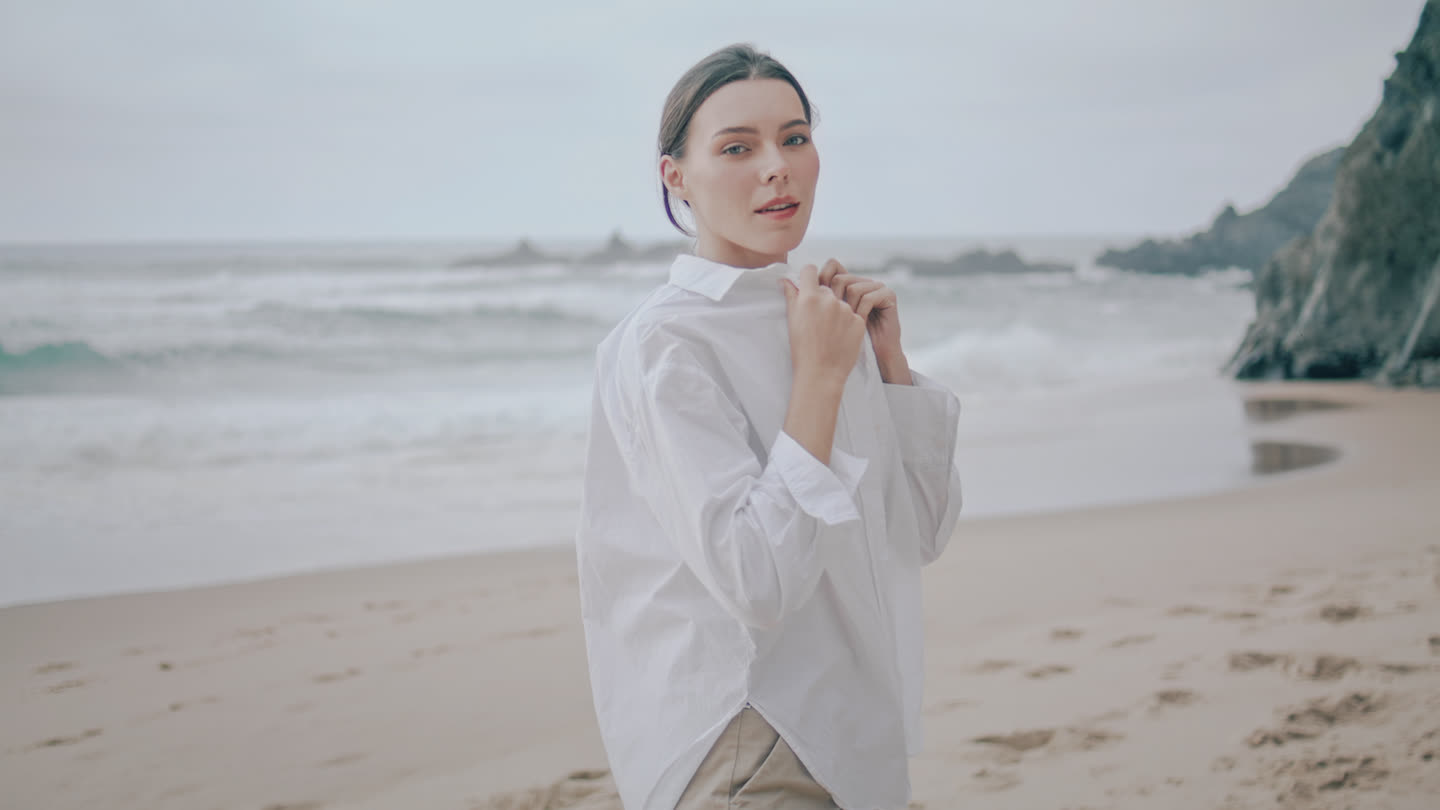
Real frames from a real shoot, not a simulation. Two cameras rolling on the same scene, each with its own profile, and neither of them wrong: they simply do not agree. Move the seam and the gap is plain. This is what your editor has to reconcile shot by shot, and what LumaSync measures.
Camera A
Camera B

Camera A
Camera B
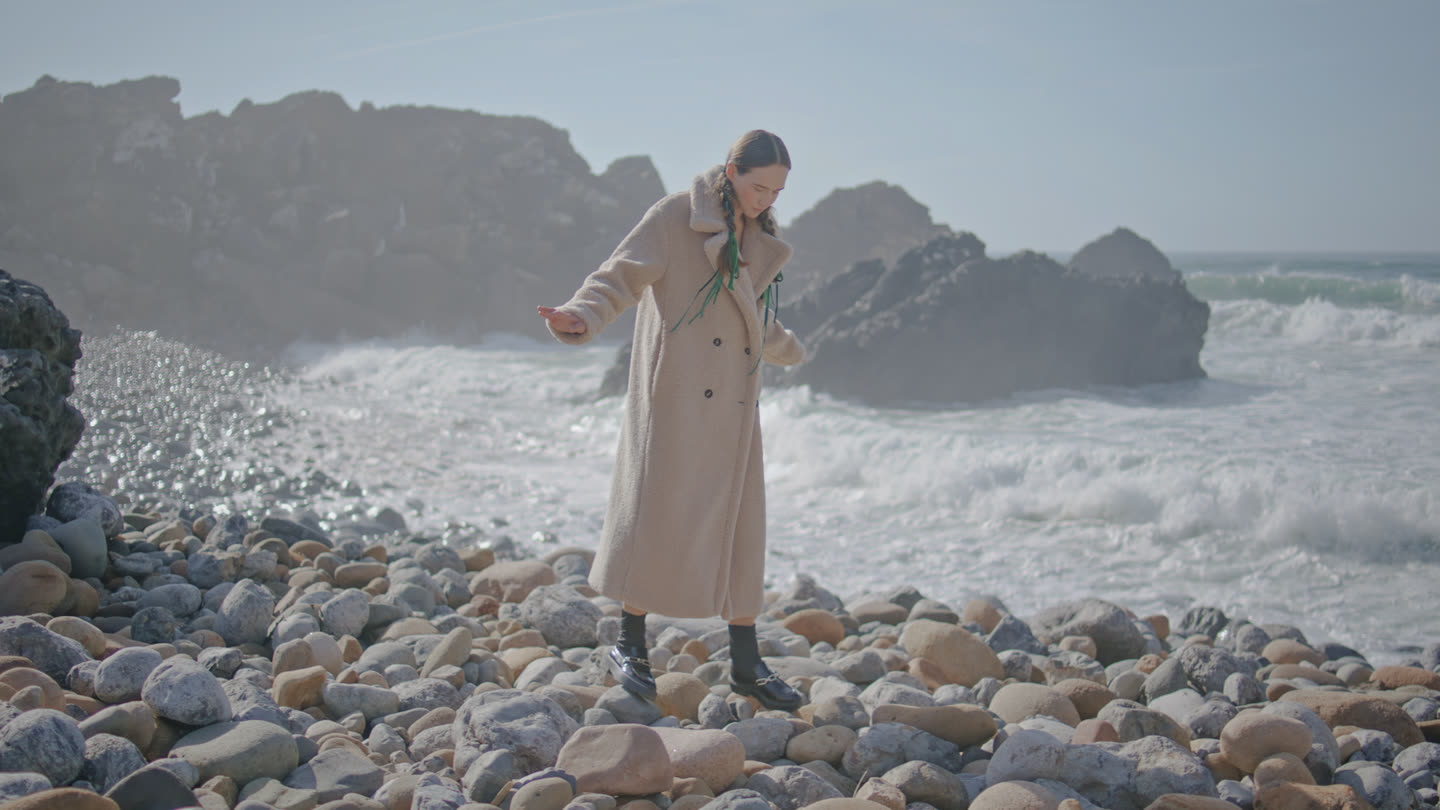

Camera A
Camera B
Drag the seam, or use the arrow keys. Pick another example above.
Why it is possible
Any tool can compare two pictures. Only a lined-up shoot knows which two were taken at the same second, and LumaSync lines it up itself from the sound of your rushes. What is left between them is then the camera, and not two different moments of the light.
The number on screen is a cross-validation: the correction is fitted on half the sampled instants and measured on the others. A correction that flatters itself on the moments it was built from is how a colour tool lies to you.
The distance between the curves is the figure itself, so the picture and the number cannot contradict each other. And the legend names your cameras, not abstract roles.
How you use it
A wipe to judge the small differences, side by side to read them at a glance while you adjust. Full frame, and what you see is the LUT that will be exported, not a nicer approximation of it.
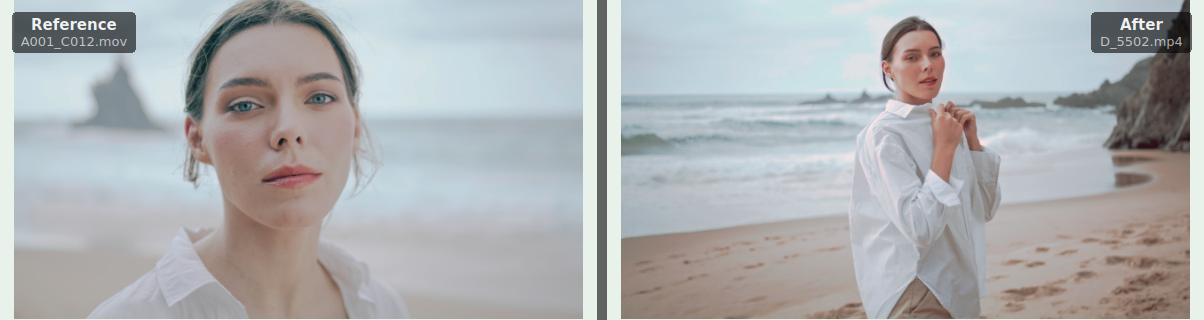
The fine controls are inside the model, not next to it. Every slider is a departure from the measurement, baked into the LUT, so the app tells you what your touch-up costs the match. A tool that lets you retouch without measuring turns a measured correction into an impression.

A 3D LUT per rush, in .cube, plus the ASC CDL when you want the parameters. In DaVinci Resolve a script places each LUT on the right clip, matched on file name, and leaves untouched any clip it has not measured. In Premiere Pro, apply it by hand on one clip: the Kinelux panel copies it to the other clips of the same camera.

The scopes
Three channels, three curves each: the reference camera, the other one before correction, and the same one after. They are read over the sampled instants of the whole shoot, not over one picture: a histogram of one frame tells you about that frame, this tells you about the shoot. On the right, a vectorscope shows what the channels see poorly, saturation, before and after.

On an edit
An interview where the sun comes and goes: give LumaSync the edit. It measures the light all the way through, measures more closely where it changes, and smooths it around a shot you pick as the anchor, light only or with white balance. In Premiere Pro the correction follows the take from inside, with keyframes. In DaVinci Resolve, one LUT per clip.
The limits
Nothing is rewritten, nothing is transcoded. Your files stay exactly as the camera wrote them, and the correction travels as a LUT that your editing program applies.
When the shoot splits into passages that measure better apart, it says so and offers one correction per passage. It does not tell you a setting changed: a changed setting, moving light, and two very different scenes look too much alike to call.
Below eight sampled instants the export is closed, and the reason is written on screen. A correction fitted on three moments is worse than doing nothing on one shot in eight, and nothing on screen would tell you which one.
Pricing
One payment, no subscription, no per-project fee. Works on every Mac you own. Every update is free up to version 2.
The suite
All three tools: sort your rushes, line up your cameras, match their colours. One key, and one window everything opens from.
€9.98 less than buying all three separately.
Buy KineluxOr one tool at a time
Your rushes logged shot by shot: setting, shot size, people, action, and all of it carried into your edit.
The other tools can be added later, for their own price.
Buy RushTagLine up several cameras on the sound they recorded, correct their drift, export to Premiere, Resolve and Final Cut.
The other tools can be added later, for their own price.
Buy SynchromaticMatch the colours of two cameras, with the measurement to back it. It opens on its own: drop your rushes and it lines them up on their sound.
Part of Kinelux, alongside RushTag and Synchromatic. The key appears on the confirmation page, and can be emailed back.
Buy LumaSyncPaid through Stripe. Your key is shown right after payment and emailed on request if you lose it.
Apple, the Apple logo and macOS are trademarks of Apple Inc. Final Cut Pro is a trademark of Apple Inc. Adobe Premiere Pro is a trademark of Adobe Inc. DaVinci Resolve is a trademark of Blackmagic Design Pty Ltd. Synchromatic is an independent product and is not affiliated with, endorsed by or sponsored by any of them.